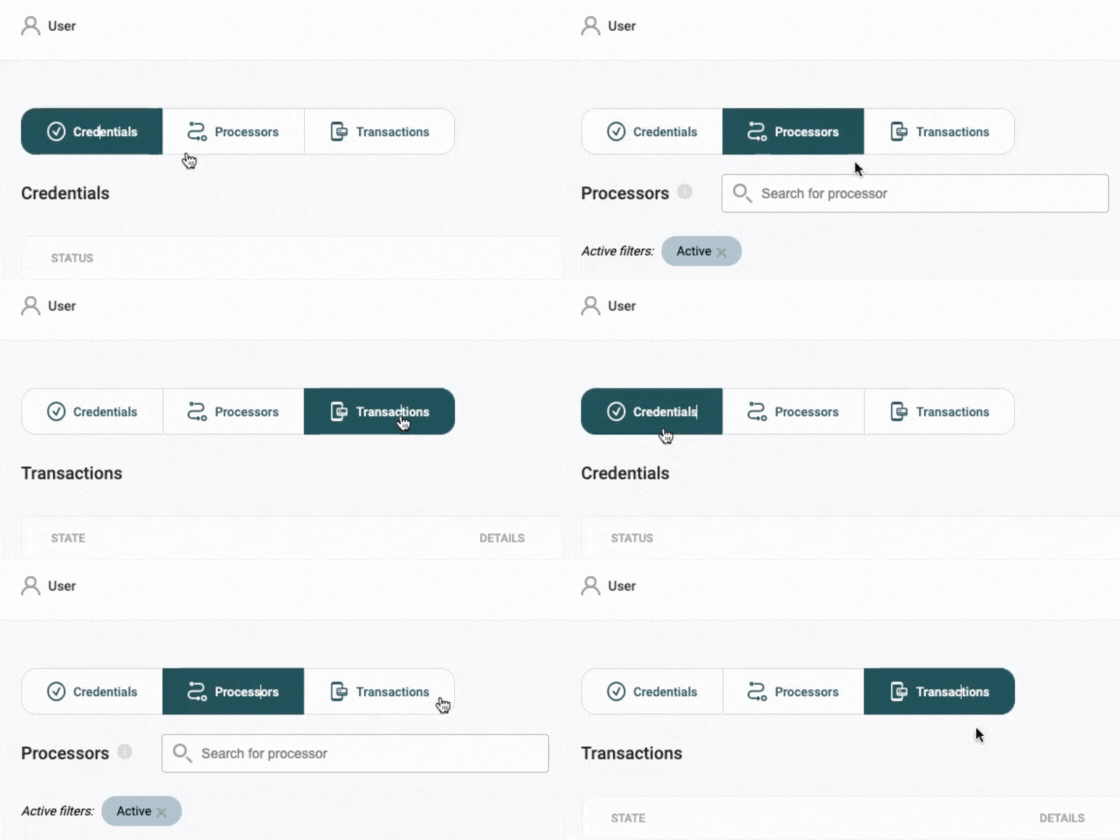
Payment Receiver is organised into three main sections:
- Credentials
- Processors
- Transactions
1. Credentials
The Credentials section is where you connect external payment methods to OnlineFundraising. Here, you authorise us to receive data on your behalf.
Clicking on Credentials will display a list of your connected payment methods. Once you’ve added a credential, you can click on it to see detailed information and configure (e.g. add extra info to extract the full number from Vipps/MobilePay):
-
Credential ID: Unique ID for the payment method
-
Created: Date when the payment method was added to the system
-
Type: Name of the payment method
-
Status: Displays whether the payment method is active
2. Processors
Processors are specific to each credential and represent individual payment sources within your overall setup. For example, if you use multiple accounts, each will appear as a different processor.
When you select a processor, you’ll see the following details:
-
Processor ID: Unique ID for the processor
-
Status: Indicates if the processor is currently active
-
Credential: The linked credential, showing its parent source
-
Type: Payment source type
-
Details: Information specific to the processor, such as account number
-
Purpose acc. code: A custom code that categorises each payment for bookkeeping (learn more here)
-
Metadata: Extra data linked to the payment method, useful for categorisation or identifying transactions within your CRM
3. Transactions
In Transactions, you can view all payments received by each processor. Each payment is recorded here and in the Payments section within OnlineFundraising.
Clicking on a specific transaction gives a detailed view of:
-
Transaction ID: Unique transaction ID
-
State: Current status of the payment (see more on payment statuses here)
-
Created: Date and time of transaction creation
-
Credential: Name associated with the setup under Credentials
-
Processor: The external payment account used for the transaction
-
Type: Payment method, e.g., External Payment
-
Detail: Further transaction specifications
-
Payment: Link to additional payment details in Payments
-
External transaction type: Specifies if the transaction is Charged or Refunded
-
External transactions ID: Transaction’s external ID
-
Amount: Payment amount received
-
Purpose acc. code: Bookkeeping code indicating the payment purpose (read more here)
-
Metadata: Additional data tied to the payment method, useful for CRM integration
If you need assistance with setting up or managing Payment Receiver, or have questions about compatibility with other payment methods, please reach out to our support team.